

Organize a meeting
The organizer decides what the meeting is about, which call it carries, who can reach it, and how much room each person gets. Everything here is changeable up until the meeting goes live.
1. Create the event
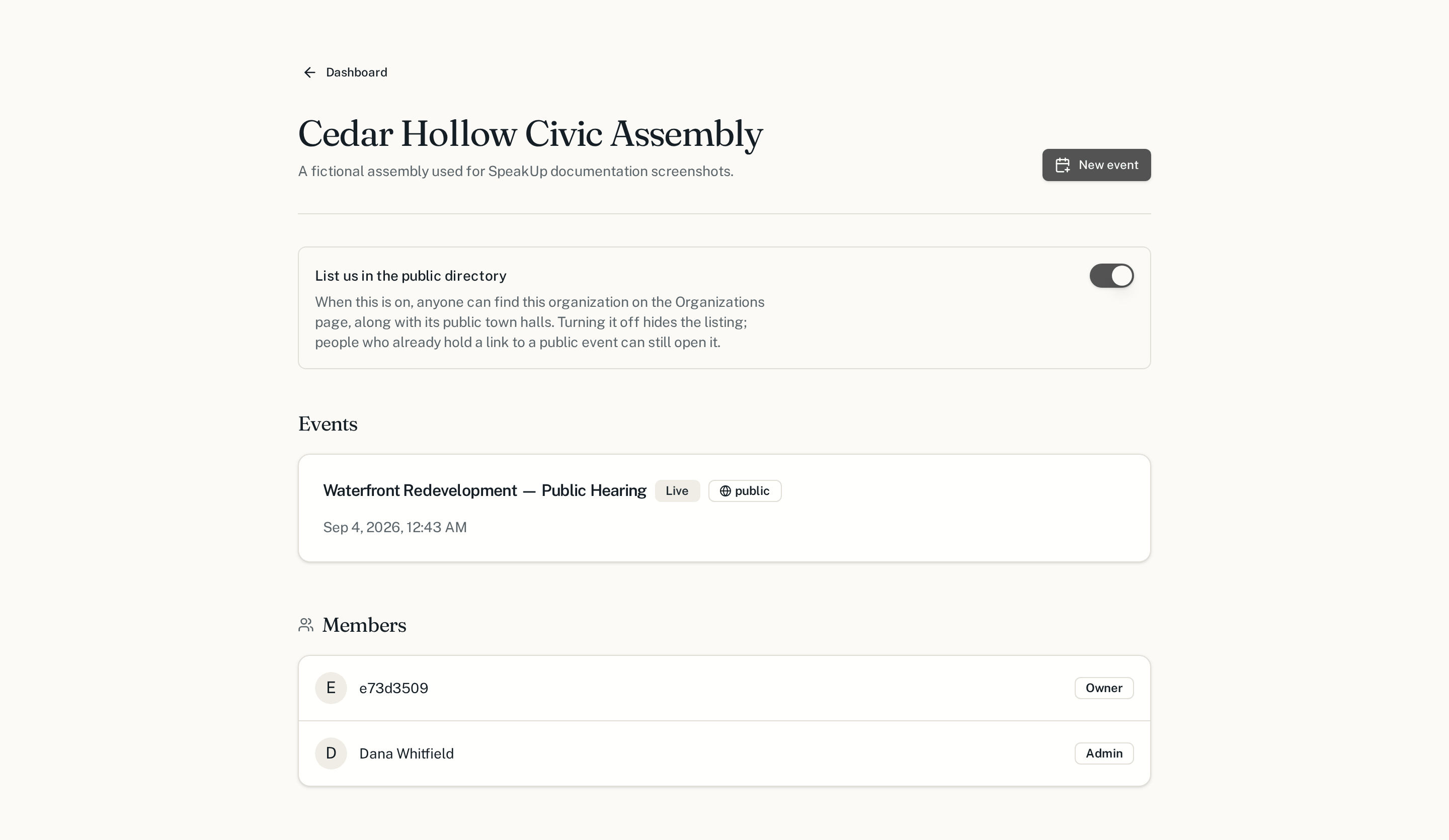
From your organization page, choose New event. It is created as a draft: invisible to everyone but your organization's members.
2. Set it up
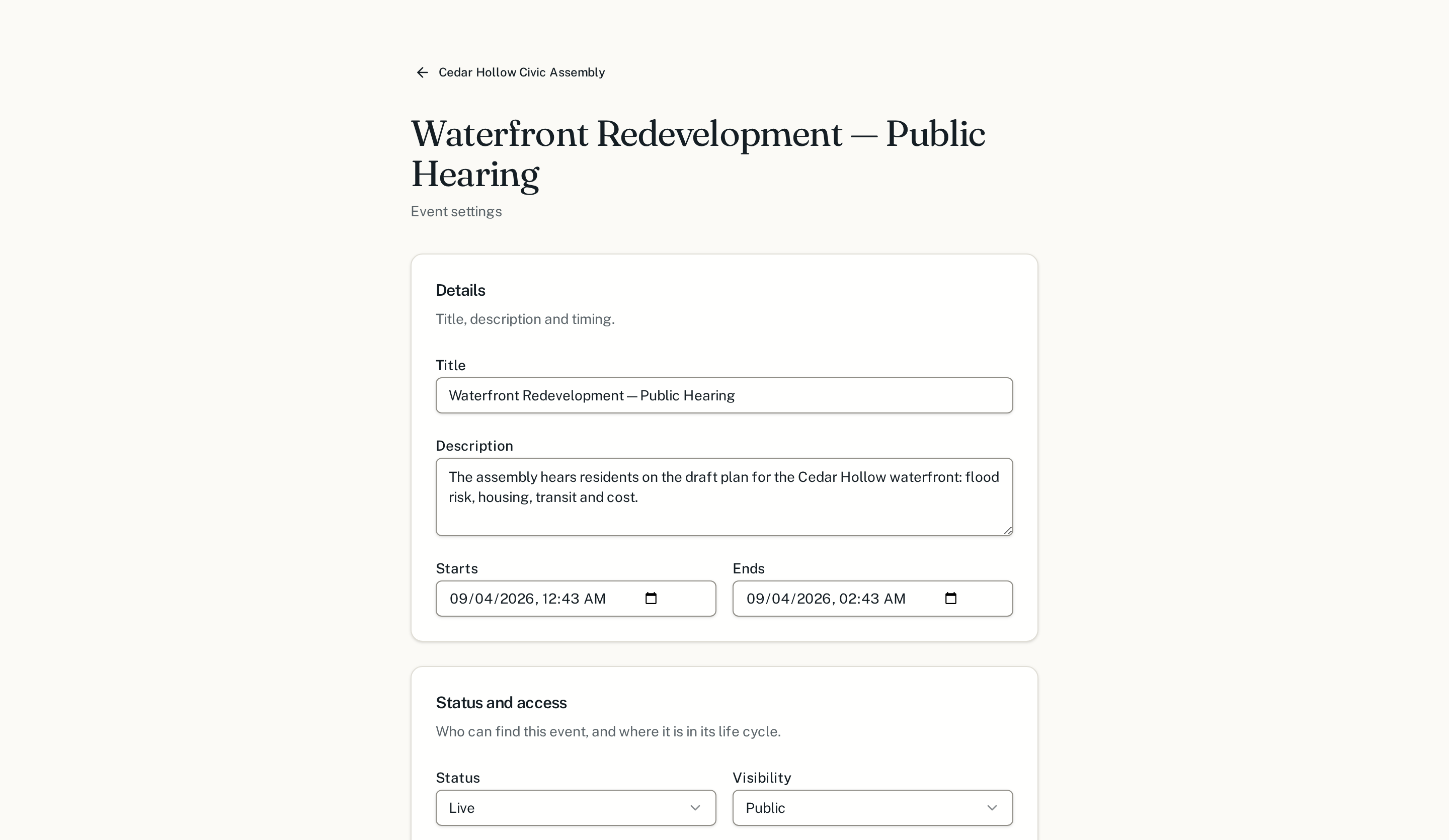
The settings page holds everything that shapes the meeting. Write the description as if a resident who has never attended will read it, because one will.
3. Invite people
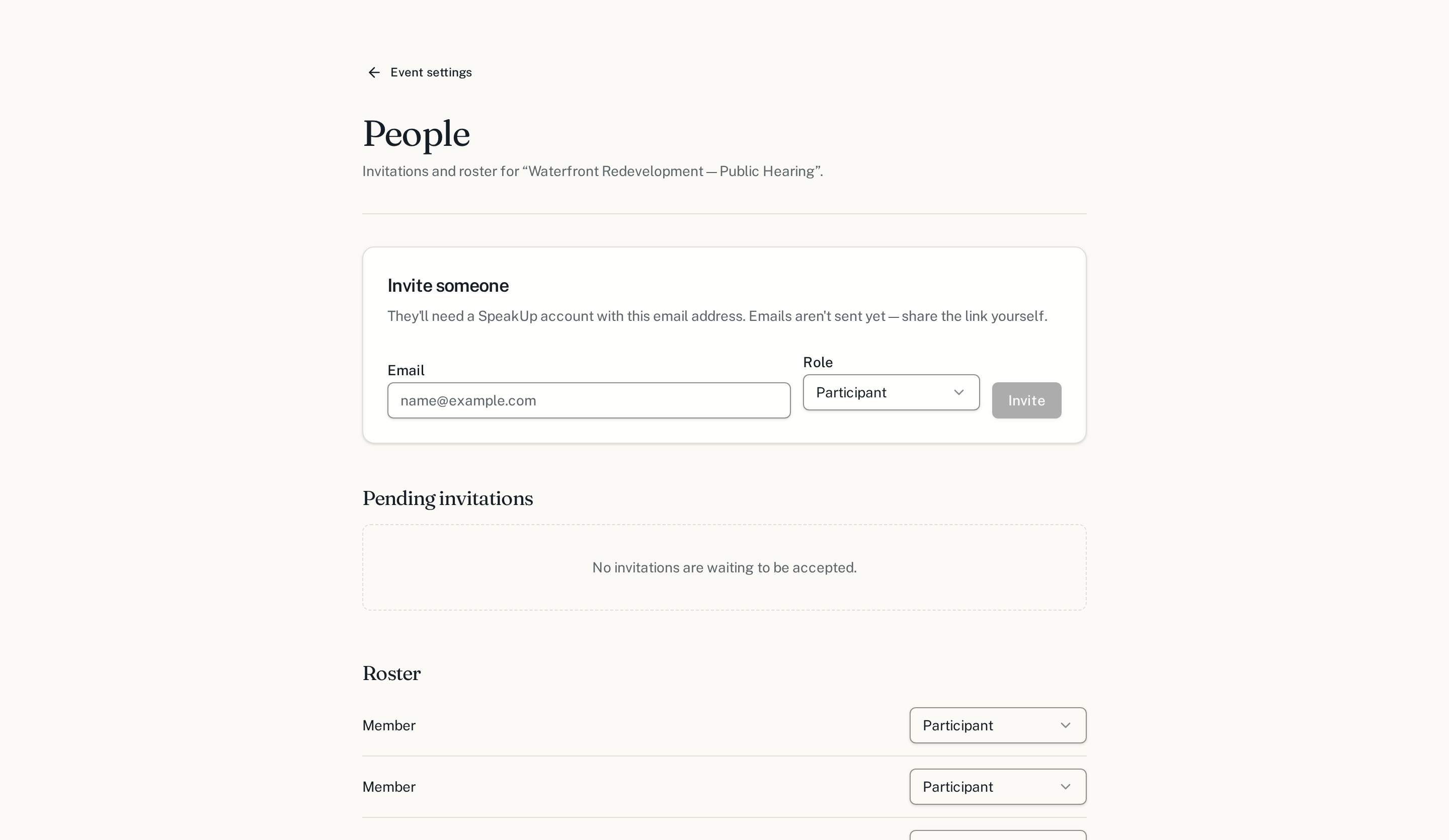
Moderators run the queue. Speakers are listed on the page so the room knows who is answering. Participants are everyone else.
4. Add the video
This is the step that makes the page a meeting rather than a form. On the same settings page, the Video card shows the meeting's YouTube Live event, which Prytaneum creates on your organization's channel automatically. Nothing to paste. Once it is set, the call fills the main column of the town hall, the questions and chat run down a column beside it, and the moderator's tools open on top of it.
YouTube Live, inside the page
Each meeting gets its own unlisted YouTube event on the organization's channel, created automatically. It plays next to the questions, through YouTube's cookie-free player.
The speaker goes live from the page
The speaker turns on their camera and mic in the meeting page and starts the broadcast. Nobody else is asked for a camera.
What this is, exactly. An organization connects its own YouTube channel once. Prytaneum creates, starts and ends each meeting's YouTube event and shows it in the meeting page. Nobody watching needs a YouTube account.
If the link you paste contains a passcode, Prytaneum removes it from the address participants see and keeps it moderator-only. You can also add a recording link, shown once the town hall has ended, and one language track per interpretation feed.
A note on the allowance
Each participant gets a fixed number of questions for the meeting. It is the single most consequential setting on the page: a low allowance forces people to choose their best question and to back other people's rather than repeat them. Following up on someone else's question is always free.
Next
Once the town hall is live, someone has to run the queue.